






How to Use Proxies on Android Devices
How to Use Proxies on Android Devices
Step 1: Download and log in to the VwtlProxy Android app
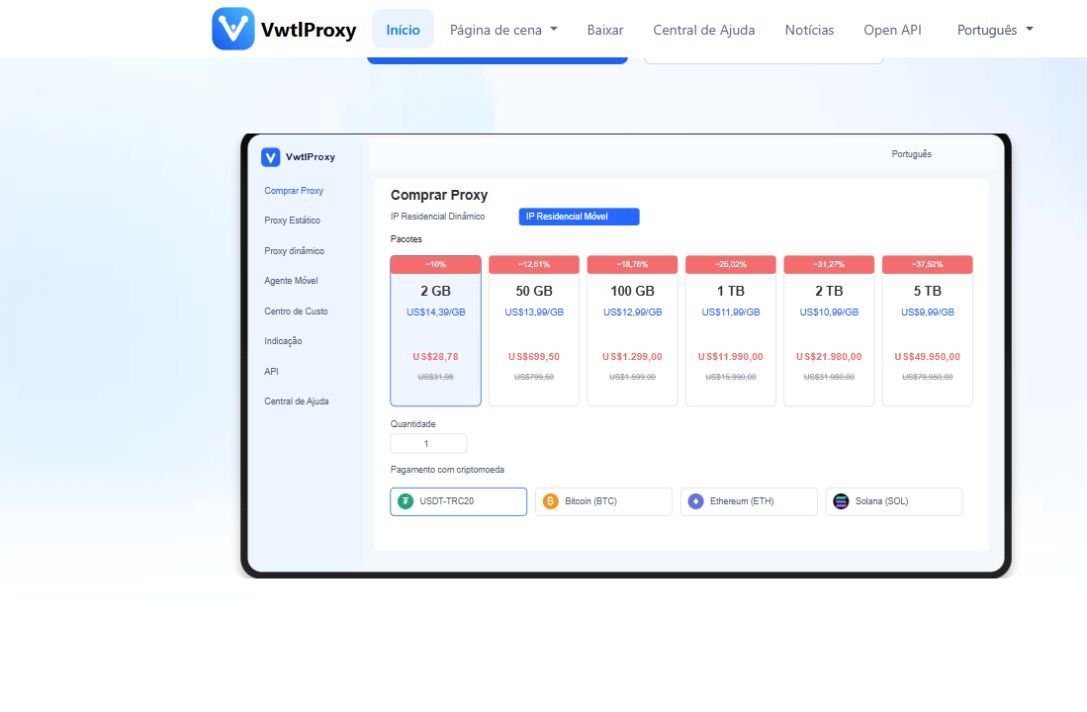
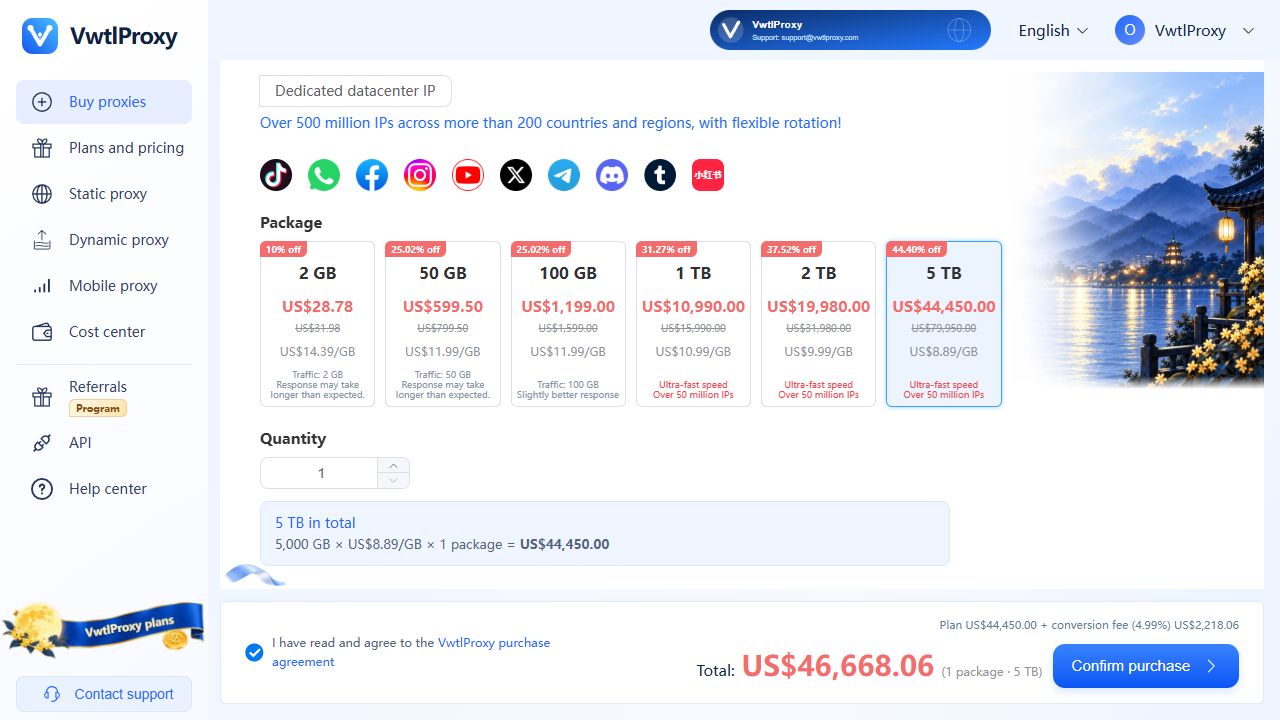
Step 2: Purchase a proxy
Tap Purchase and choose the proxy type you need.
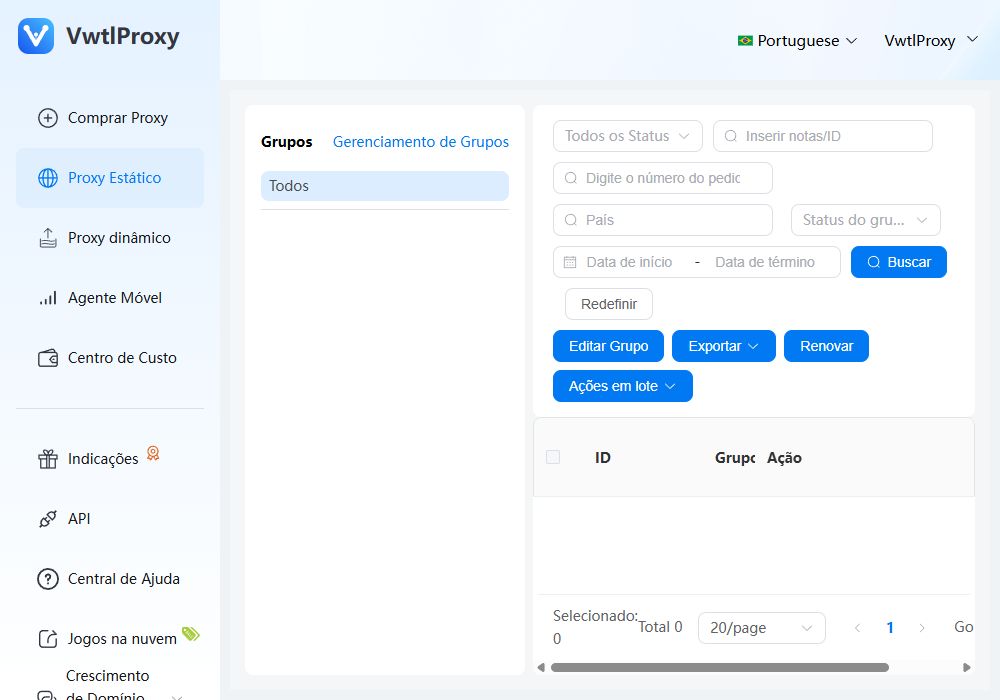
Step 3: Add a proxy
3.1 Static Proxy:
Go to the Connections page → tap Add New Proxy.
On the static proxy selection page, check the IPs you want to add and tap Save.
The added proxy will appear on the connections page. Tap to connect.
On first use, grant the required permissions by selecting “Always allow”.
3.2 Dynamic Proxy:
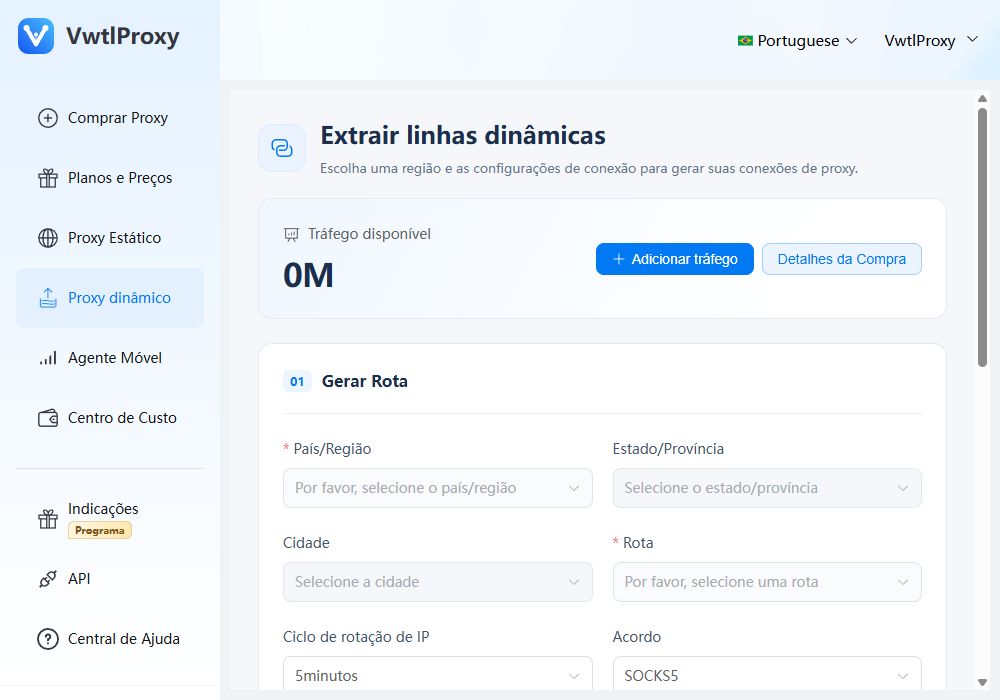
Go to the User Center → tap Get Proxy.
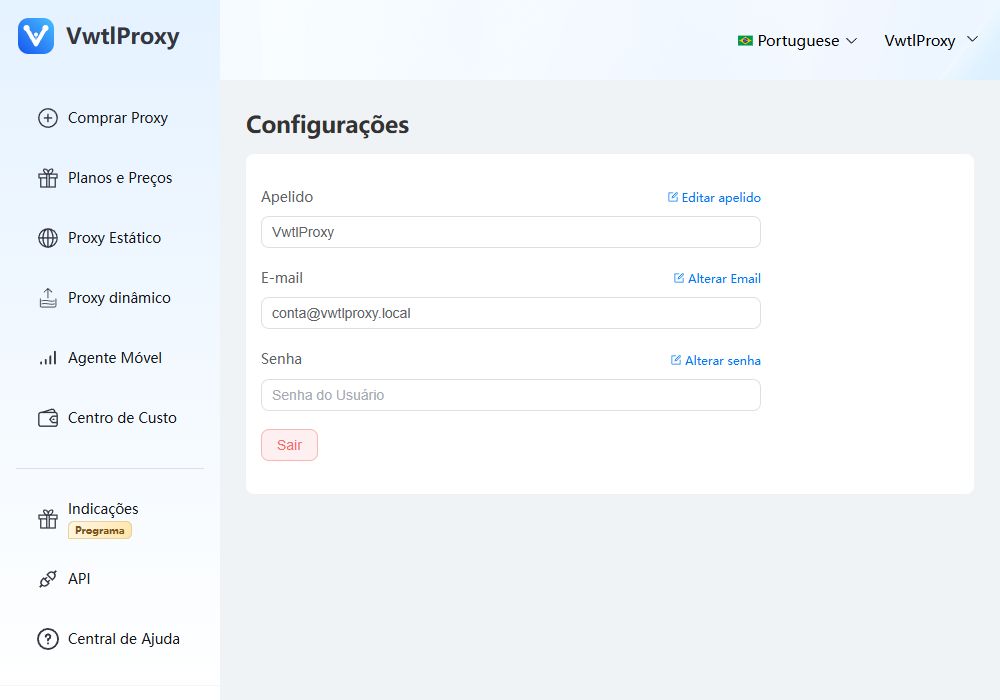
Configure your desired proxy settings → select “Extract to Proxy List” as the extraction method → tap Save.
Your proxy will now appear in the connection list. Tap to connect.
