






Can I use VwtlProxy on mobile?
Yes, VwtlProxy offers an Android app. Android users can directly add and connect to proxy nodes within the app.
iOS users can connect to proxy nodes using the Shadowrocket app.
How to Use Proxies on iOS Devices
Note: You must have an overseas Apple ID to download the Shadowrocket app from the App Store.
Step 1: Log in to the VwtlProxy platform
For static proxies: Go to the Static Proxy panel → copy any proxy IP information.
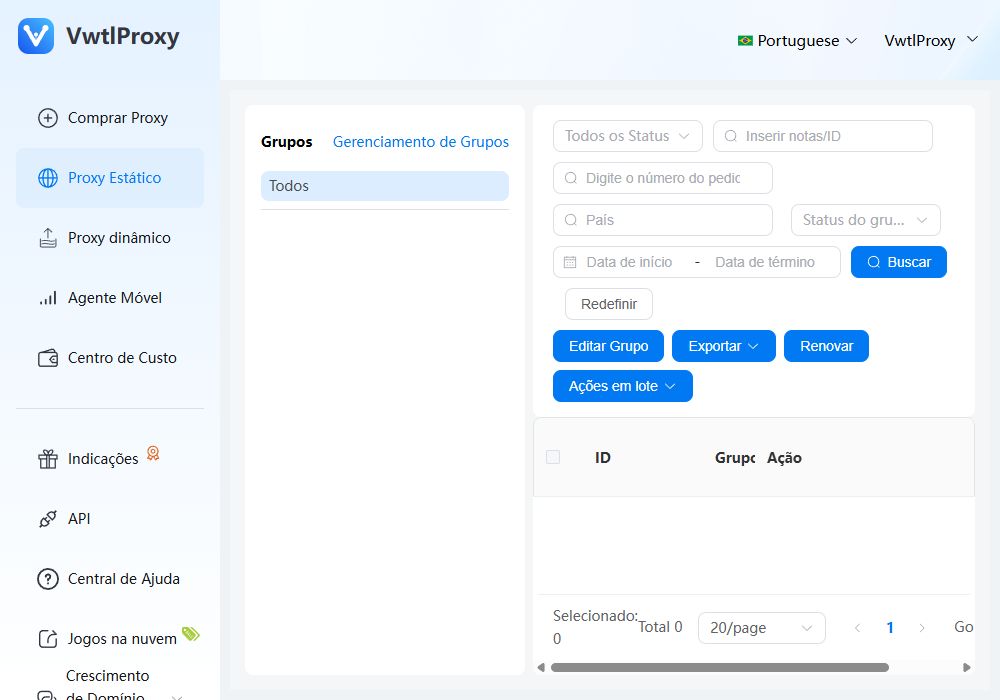
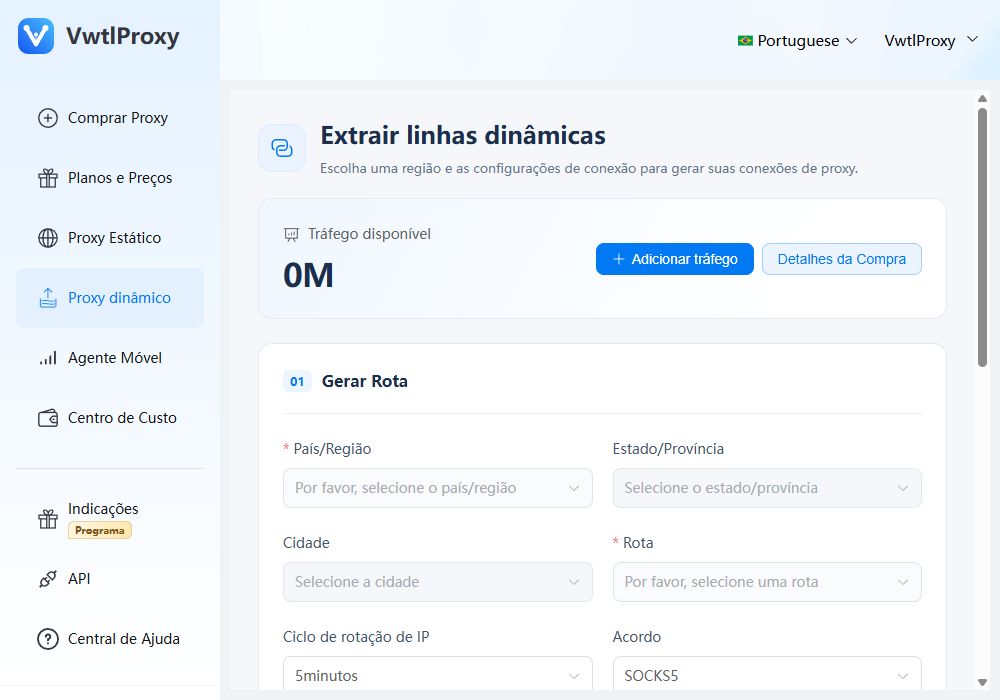
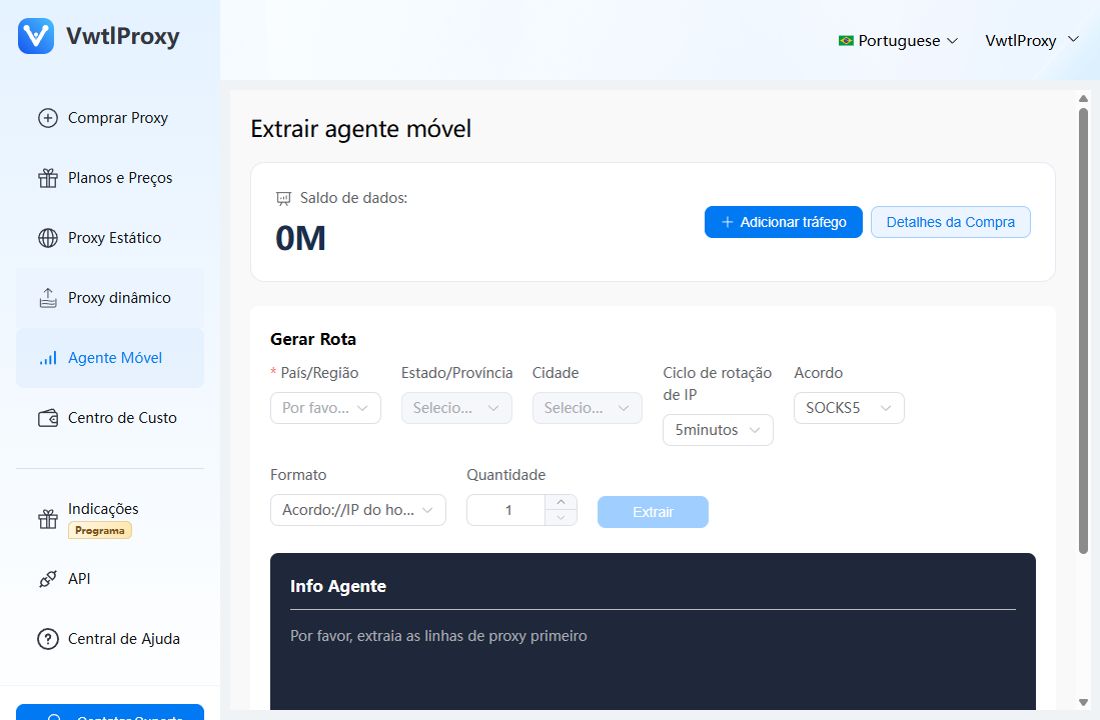
For dynamic proxies: Go to the Extract Lines panel → configure the line → click "Extract" → choose "Extract here" and copy the line info.
Step 2: Open the Shadowrocket app
Open the already installed Shadowrocket app (download link), then tap the "+" icon in the top right corner to add a new proxy.
Step 3: Fill in proxy information
Set the type to SOCKS5.
Paste the copied proxy details into the appropriate fields:
Example proxy: socks5://proxy.vwtlproxy.invalid:7778:usuario-exemplo:senha-exemplo
Fill in the fields as follows:Host: proxy.vwtlproxy.invalid
Port: 7778
Username: usuario-exemplo
Password: senha-exemplo
Tap Save after filling in all fields.
Step 4: Connect
Tap the newly added proxy and toggle the blue switch to start the connection.

How to Use Proxies on Android Devices
Step 1: Download and log in to the VwtlProxy Android app
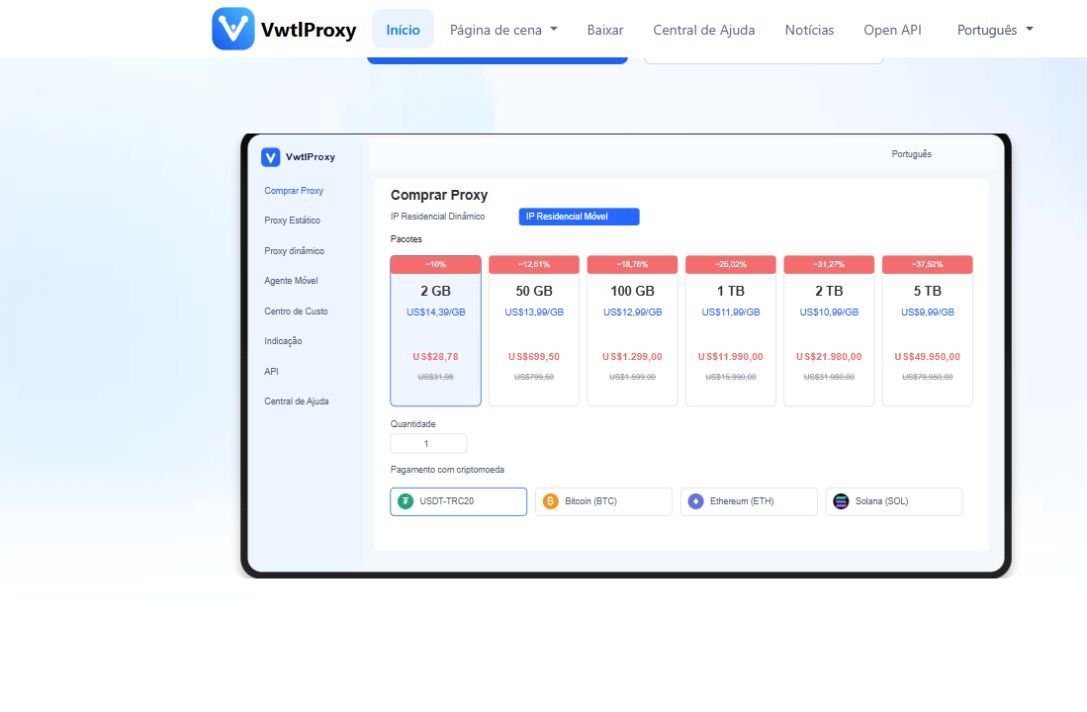
Step 2: Purchase a proxy
Tap Purchase and choose the proxy type you need.
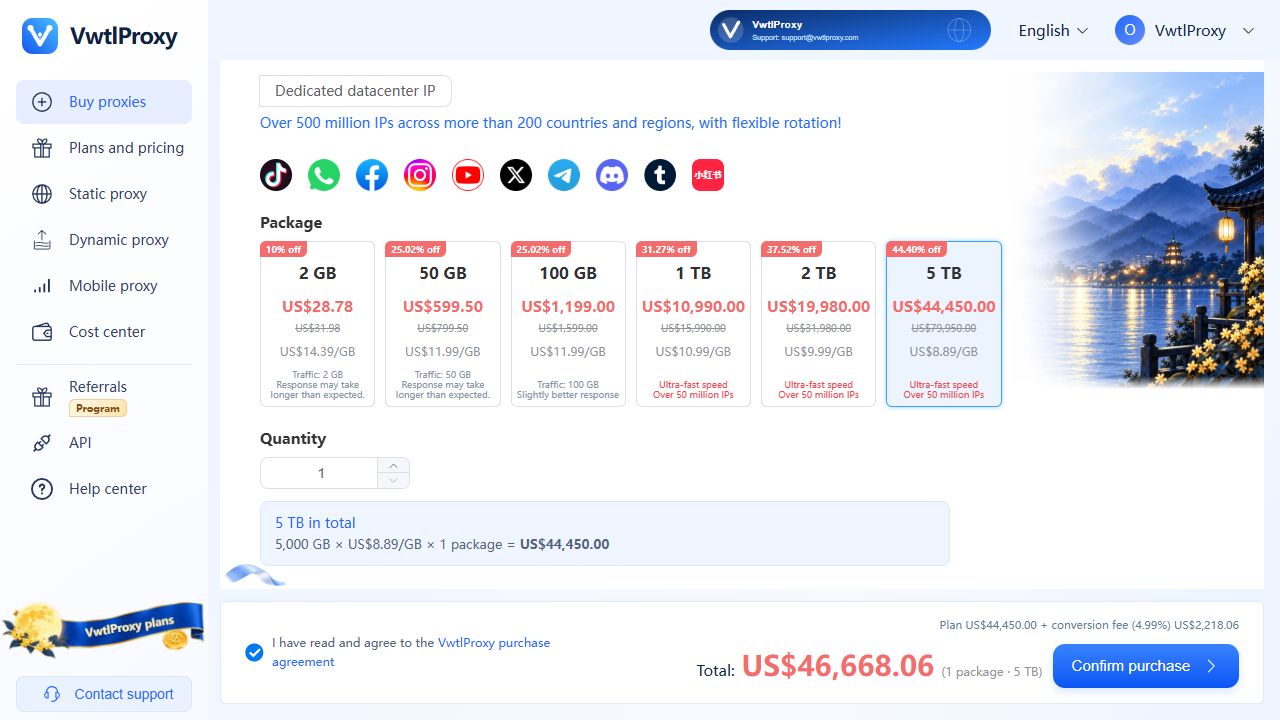
Step 3: Add a proxy
3.1 Static Proxy:
Go to the Connections page → tap Add New Proxy.
On the static proxy selection page, check the IPs you want to add and tap Save.
The added proxy will appear on the connections page. Tap to connect.
On first use, grant the required permissions by selecting “Always allow”.
3.2 Dynamic Proxy:
Go to the User Center → tap Get Proxy.
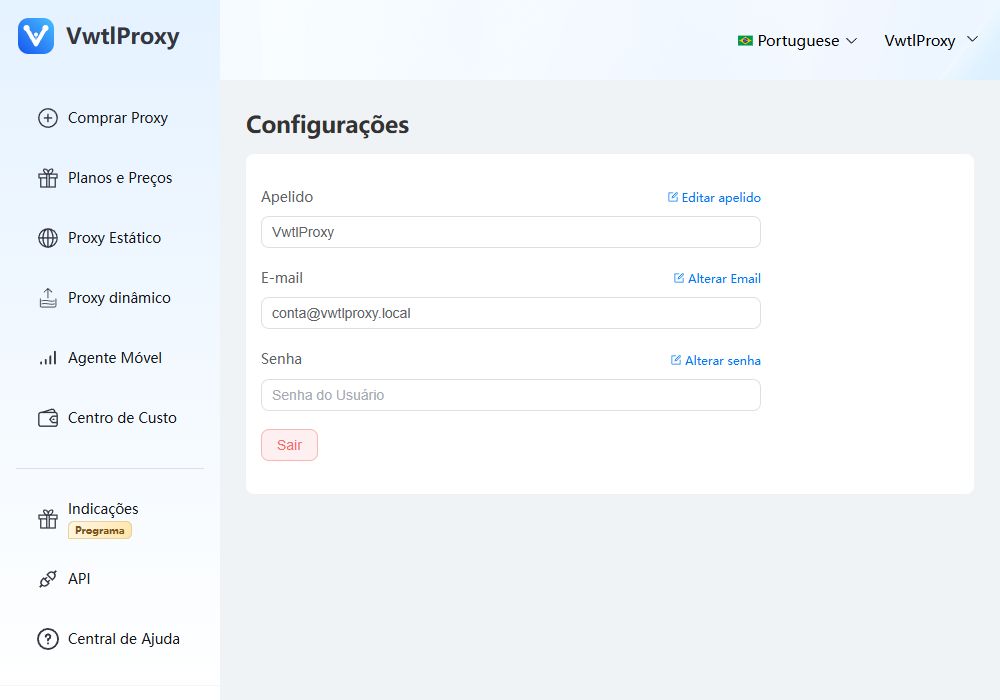
Configure your desired proxy settings → select “Extract to Proxy List” as the extraction method → tap Save.
Your proxy will now appear in the connection list. Tap to connect.
